Plan questions
Give callers the service information you have provided during onboarding.
Pest calls answered while you treat
Your AI receptionist handles pest control recurring plan calls using the services and policies you provide. Hear it take a quarterly renewal request in the browser demo, then try it with your own business details.
Try the wasp-nest call Get started
Request a 14-day free trial, up to 100 minutes.PrivacySecurity
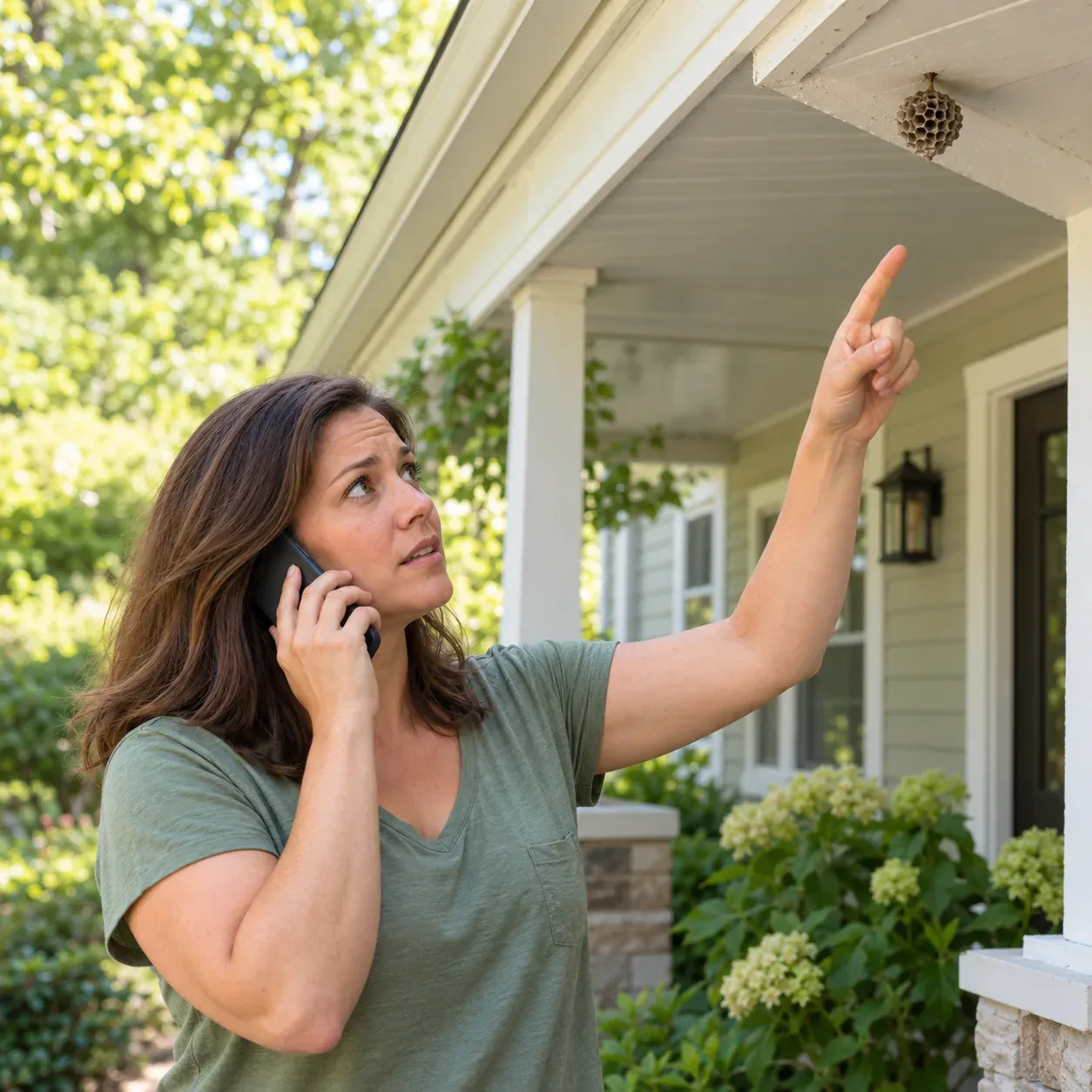
Your receptionist answers routine plan questions and collects renewal or rescheduling requests while you work. It uses your plan information so callers can explain what they need without waiting for your office.
Give callers the service information you have provided during onboarding.
Capture the customer's details and what they want to continue.
Collect treatment rescheduling details for booking or your callback.
A customer calling about quarterly service needs a clear next step, whether they want another visit or have a question about coverage. Your receptionist uses the plan descriptions you supply and asks for the details your team needs.
For example, you can explain which pests your recurring service covers and which requests need your review. The receptionist can discuss that supplied information and take a complete message. You review account-specific renewal decisions yourself; answering a plan question does not change the customer's contract or billing.
The call starts with a virtual-assistant introduction and recording notice, then moves to the customer's plan question. Your receptionist gathers details and sends you the conversation with an urgency tag.
Callers hear that a virtual assistant is recording the conversation.
Ask for the property, pest issue and reason for calling.
Receive an email and app push notification after the call.
Suppose a quarterly customer calls because mice have appeared before their next treatment. Your receptionist asks about the property and the request, then follows the urgency instructions you supplied. It can take the details for your callback or book an appointment into Google Calendar.
You receive the summary, transcript and recording, so you can distinguish a routine schedule question from a problem needing attention. If your rules call for an urgent transfer, your on-call person hears a short summary and presses 1 to accept the call.
You provide the plan descriptions, service boundaries and escalation instructions your receptionist follows. Set these during onboarding, then change your settings by telling the AI what needs updating in plain words.
Explain which pests and treatments belong in your recurring plans.
Decide what information callers receive and when you review a quote.
Choose who receives urgent calls and the order for reaching them.
The onboarding chat asks about your business and uses the website you provide. Give us clear descriptions of recurring service, one-time treatments and requests that need a callback. Include your service area and hours so the receptionist has practical boundaries for the conversation.
Choose whether you want appointment booking or message taking for plan calls. Test an ordinary renewal and an urgent pest report before forwarding your number. Our setup walkthrough explains how those business details become the instructions used on your calls.
Your receptionist can explain supplied plan information and collect requests, but it does not update account records or approve contract changes. You handle billing decisions and any exceptions to your policies.
Review renewal terms and billing changes in your own workflow.
Collect a message when your supplied information does not cover the question.
Refer callers to the product label and Poison Control for guidance.
A request to renew is useful information for your office, not evidence that a payment or account change has happened. Your receptionist has no direct connection to your customer management software. Use its summary to review the account and complete any changes yourself.
Keep treatment advice with the right source, too. The AI does not advise on chemical use or treatment safety; it directs pesticide questions to the product label and Poison Control. Set your callback instructions so ordinary plan questions and requests requiring your judgment have a clear destination.
Choose the quarterly plan renewal scenario in the browser demo to hear how your receptionist gathers a recurring customer's request. The scenario uses a fictional business and requires no signup.
Ask about continuing the fictional business's quarterly pest service.
Explain that you need to reschedule an upcoming treatment.
Check whether the questions would give your office useful details.
Use the quarterly renewal demo to try the kind of conversation that interrupts your route. Ask a plan question, then explain a scheduling change. Listen to the greeting and how the receptionist gathers the request rather than treating the demo as a real account transaction.
Afterward, think through the plan details you would supply for your business. Request a free trial; we email your sign-in link when ready so you can test those instructions with your own setup. You add a card before call forwarding goes live and make a test call before using the service for customers.
It can explain recurring plans using the descriptions and price policy you supply. Tell it what belongs in the plan and which questions need your review. It can collect interest and arrange the next step, while you handle account approval, payment and contract changes.
Your receptionist can gather the customer's rescheduling request and book appointments into Google Calendar, or take details for your callback. It does not update a field-service account. Review the summary and make any changes needed in the system your office uses to manage treatments.
The receptionist takes a message rather than inventing an answer about a customer's account. You receive the call summary, urgency tag, transcript and recording by email and app push notification. Use those details to check the account and respond with the right decision.
Yes. You define what counts as urgent and the order for reaching your on-call contacts. The receptionist can warm transfer the caller or page the person you choose. During a warm transfer, your contact hears a short summary and presses 1 to accept.
Yes. The greeting identifies your receptionist as a virtual assistant and says the call is recorded. Those notices stay on. Try a renewal conversation in the demo to hear the introduction, the intake questions and how the receptionist handles the next step.
Try a fictional customer's renewal request in the browser demo. Then request a free trial; once your trial is ready, supply your own plan information and call rules.