Requested contact
Follow up with people who submitted your form and gave written permission.
Pest calls answered while you treat
Our pest control lead follow up add-on calls people who request contact through your web form and give written permission naming your business. Try the receptionist in the browser demo before setting up follow-up for your own inquiries.
Try the wasp-nest call Get started
Request a 14-day free trial, up to 100 minutes.PrivacySecurity
The follow-up add-on calls web-form leads within about a minute during its calling window. It is for people who ticked a written-consent box naming your business, with one attempt and one retry.
Follow up with people who submitted your form and gave written permission.
Calls begin within about a minute during the allowed calling window.
One initial attempt and one retry keep the follow-up bounded.
The optional add-on uses your receptionist's business knowledge to gather details, book or take messages. You keep consent records.
One fixed consent box, unchecked by default, reads: “By checking this box, I agree that [Your business name] may call me at the phone number above about my request, including calls made with automated technology and an AI voice assistant. Consent is not a condition of purchase. I can say "stop" on any call and I won't be called again.”
Calls reach only the 50 US states, within about a minute during 8 a.m.-8 p.m. lead-local calling hours; otherwise, the next morning. Each number gets at most one follow-up per day: one attempt plus one retry 10 minutes later.
A qualifying form submission starts a follow-up attempt within the calling window. The receptionist gives its virtual-assistant and recording notices, asks about the pest request, and records the conversation for your review.
The web-form lead must have ticked consent naming your business.
The greeting identifies a virtual assistant and announces call recording.
Collect pest and property details for booking or your callback.
Imagine someone submits a request about mice in a kitchen and ticks the consent box naming your company. During the calling window, the follow-up attempt begins within about a minute. The receptionist asks about the request using the services, area and intake instructions you supplied.
For a conversation that takes place, you receive an email and app push notification with the summary, urgency tag, transcript and recording. The attempt policy allows one retry after the initial attempt. If the person opts out, that request is honored at once.
You supply the business information and call instructions, and keep records of each lead's written consent. Decide whether your receptionist should book appointments or gather details for your team to call back.
Use a consent checkbox that identifies who will contact the lead.
Retain the permission associated with each web-form follow-up request.
Supply booking preferences, intake questions and urgent call recipients.
Start with the form that receives your own pest control inquiries. The person must tick a written-consent box naming your business before this add-on can call them. You are responsible for keeping those records; do not treat a phone number alone as permission for this feature.
Then supply the call details: your service area, offered treatments, price policy and urgent escalation order. Use the receptionist setup guide to prepare that business information. Choose Google Calendar booking or callback intake according to how your office assesses new work.
The add-on does not call cold prospects, bought leads or lists. Follow-up is limited to qualifying web-form requests, the local calling window, one initial attempt and one retry, with immediate opt-out handling.
Use your consenting form inquiries rather than purchased leads or lists.
Attempts stay within 8 a.m. to 8 p.m. for the recipient.
A request to stop is honored as soon as it is made.
If someone gives you a spreadsheet of phone numbers, this add-on is not a way to call it. A qualifying lead comes from your web form with written consent naming your business. We keep the attempt policy to one call plus one retry, and honor opt-outs at once.
The callback also does not promise a particular treatment result or advise on pesticide safety. Your business information guides the conversation, with chemical questions referred to the label and Poison Control. Keep the next step practical: collect details, book an appointment or pass the request to you.
The browser demo lets you hear the receptionist's intake conversation without signing up. Use a fictional pest request to assess its questions; the demo does not place an outbound callback to your number.
Hear the virtual-assistant introduction before describing your fictional pest problem.
Explain a wasp or mice issue and answer the follow-up questions.
Prepare your consent checkbox, business details and preferred callback workflow.
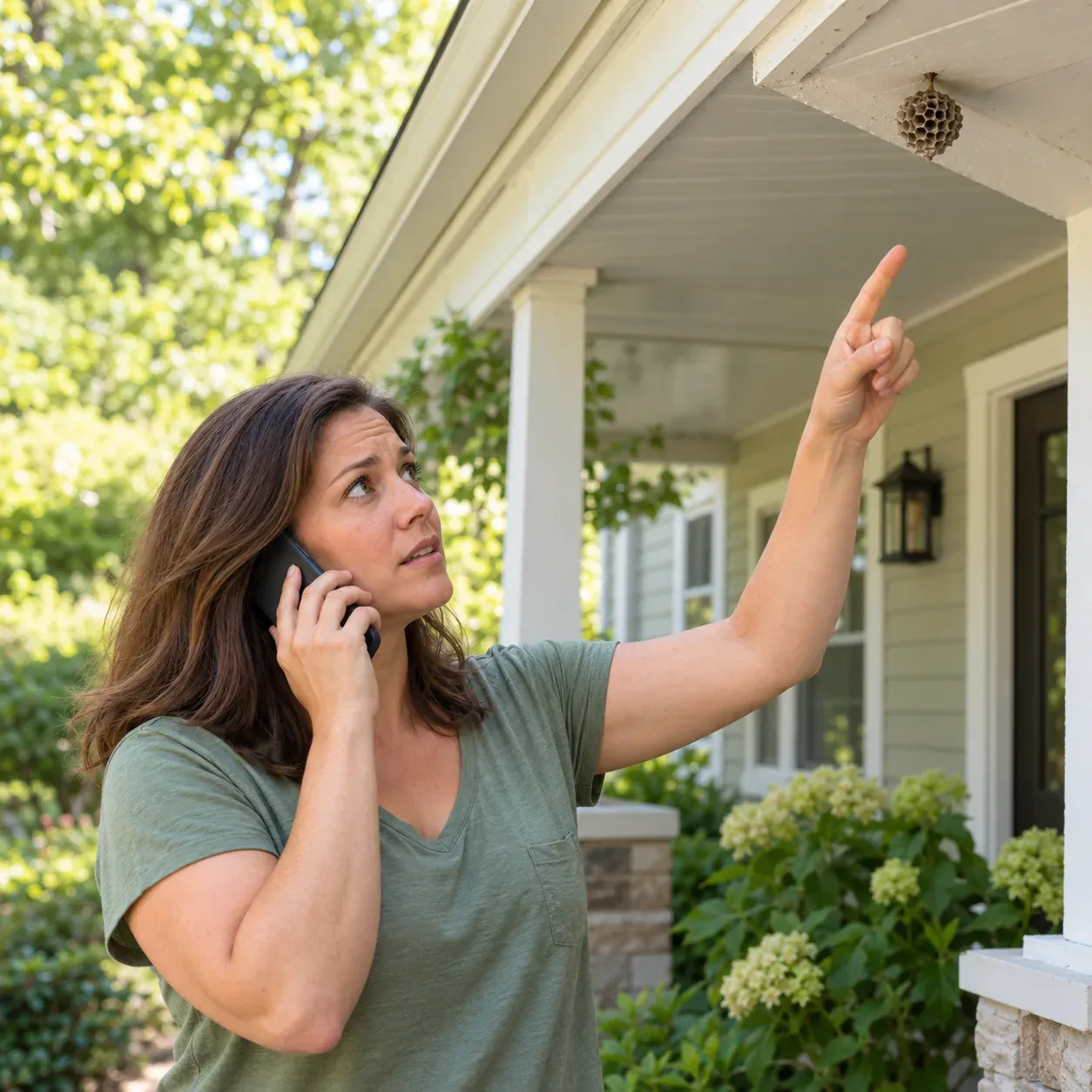
Try a pest inquiry in the demo to hear the conversational part of follow-up. Describe mice in the kitchen or a wasp nest near the front door. Listen for the information your office would need to respond, and remember that the business in the demo is fictional.
The demo is a browser conversation, not an outbound campaign test. After hearing it, you can request a free trial and prepare your business instructions; we email your sign-in link when ready. Review the add-on's consent, calling-window and attempt requirements before using it for your own form inquiries.
Our product requires a web-form submission with a ticked written-consent box naming your business. You are responsible for retaining the consent records. A phone number entered without that permission is not enough for this add-on, and purchased leads or calling lists are not accepted.
The add-on starts the follow-up attempt within about a minute during its calling window, which is 8 a.m. to 8 p.m. in the recipient's local time. It allows an initial attempt and one retry. Those settings describe the service's attempt policy, not a promise that the person will answer.
Yes. Your receptionist says it is a virtual assistant and that the call is recorded at the beginning of the conversation. These notices are always included. It then uses your business information to ask about the pest request and handle the next step you selected.
Opt-outs are honored at once. The follow-up add-on is limited to people who requested contact through your form and gave the required written permission. It does not keep dialing a list, and its normal attempt limit is one initial call plus one retry.
Yes. The receptionist can book appointments into Google Calendar or gather inspection details for your callback. Supply the services, area and intake questions you want it to use. Your call notification includes the conversation summary so your team can review the request before handling the job.
Hear the receptionist handle a fictional pest inquiry in your browser. Then request a free trial; we email your sign-in link when ready, and consent-based follow-up calls begin when your paid plan starts.